01 Masa Gadget
Masa Gadget adds extra features to various masamods, and also provides standalone functionality such as villager information rendering and spawn location searching.
1 General Features
1.1 Quick Switch Between Masamod Interfaces
Enabled by default after installing Masa Gadget. You can quickly switch between masamod configuration interfaces using the button in the top-right corner.
No more forgetting which hotkey opens which mod's settings.
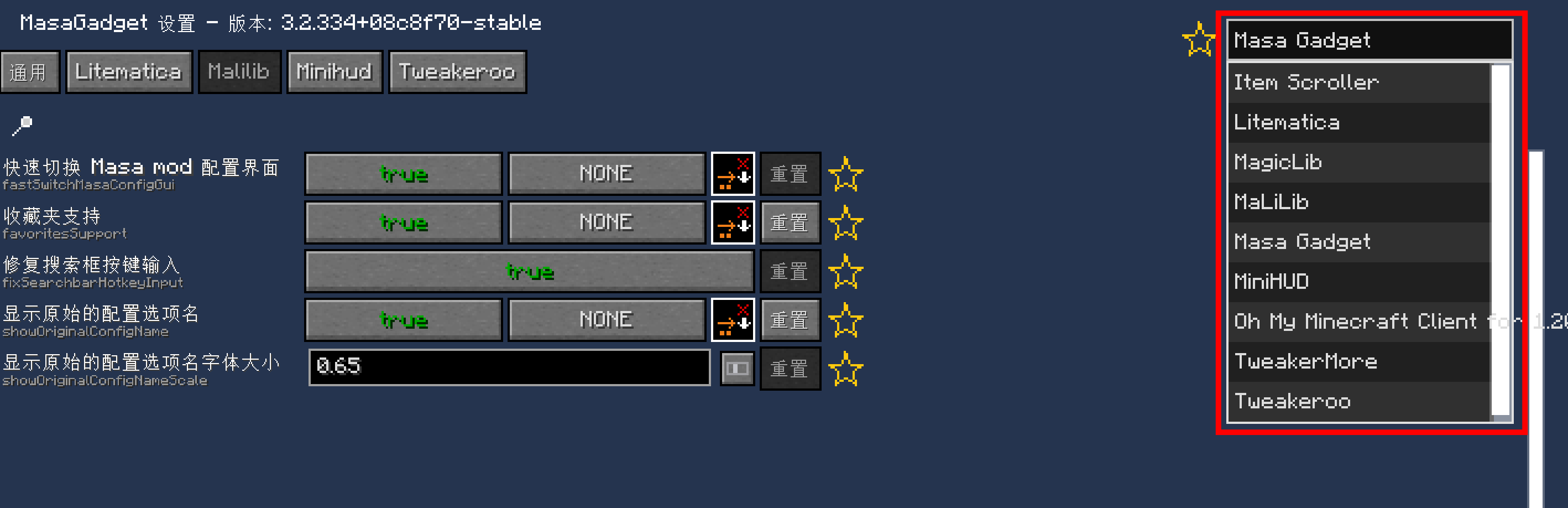
No more forgetting which hotkey opens which mod's settings.
1.2 Favorites Feature
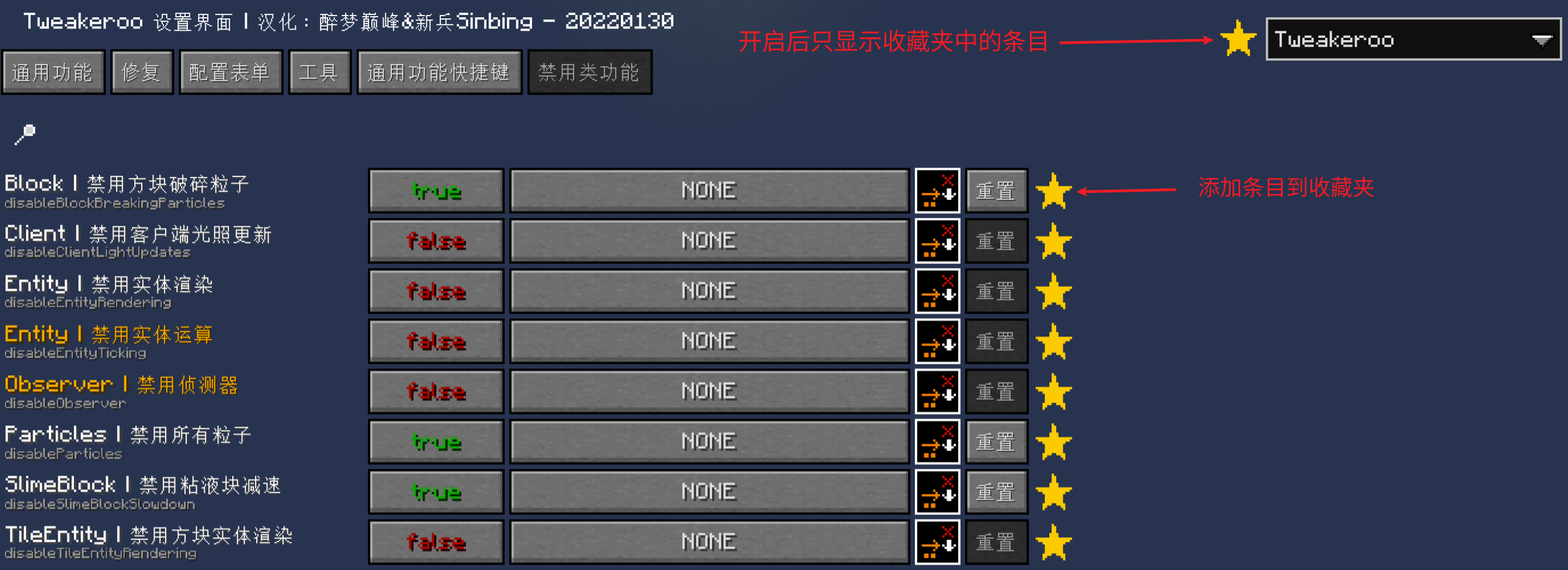
Disabled by default. When enabled, you can add masamod entries to favorites for quick access later. Example:
2 Litematica
2.1 Better Easy Place Mode & Easy Place Protocol Fix
Enabled by default. After enabling Easy Place, you can still open containers (may not always work). Fixes some bugs with incorrect block orientation when placing schematics (some errors may still occur).
2.2 Save Container Data When Saving Schematics on Server
Enabled by default. Requires support from plusls-carpet-addition.
3 Minihud
3.1 Minihud Translation
Text displayed by Minihud can be translated. Example:

3.2 PCA Sync Protocol for Beehive Data
Pressing the §6Container Preview§r hotkey uses the PCA sync protocol to synchronize beehive and bee nest data.